

It's 11 p.m. You meant to start the essay hours ago. Your laptop's open, your notes are somewhere, and somehow you're back on TikTok. You opened the app again, and that's okay. You don't need a lecture. You need a first move that doesn't feel like climbing a mountain in socks.
Maybe you've already tried app limits. Maybe you're excellent at tapping past them. That doesn't mean you're hopeless at managing time. A locked screen still leaves you with the same unanswered question: What am I going to do now?
Good time management for procrastinators answers that question before you get stuck. It makes starting clear, gives you a way to stay with the task, and leaves room for things you enjoy. Getting fitter. Reading something good. Finally learning how to draw hands.
These strategies to stop putting things off work best as small experiments, not a personality makeover.
Pick the move that matches where you're stuck. Most take less than five minutes to try. No new planner required.
1. Start stupidly small
Don't start with the whole task. Start with the first physical action. Open the document. Put your running shoes by the door. Get the sketchbook out of the drawer.
Writing an essay is a project. Opening your notes and typing a rough sentence is something you can do right now. Keep those categories separate, especially when you're already tired.
Before you shrink the task, name what feels bad about it. Are you bored, confused, worried it'll be rubbish, or unsure where to begin? Your answer tells you what to change.
A randomized study indexed by PubMed found that an intervention combining affect labeling, subtasks, and a reward increased reported task-completion likelihood compared with control conditions. That supports addressing the feeling alongside the task, rather than just making a stricter schedule.

Make the start almost silly
Try these swaps when your to-do list sounds suspiciously like a list of life ambitions.
- Essay: Open the assignment brief and write a messy sentence about what it asks.
- Exercise: Put on your shoes before deciding how far you'll go.
- Drawing: Open your sketchbook and draw the mug beside you.
Give yourself honest permission to stop after that step. Don't secretly turn opening the file into a contract to finish the entire draft.
For pacts like Walk more or Draw, choose an equally small starting action. Keep the promise about doing the activity, not producing an impressive result.
Your move today: Rewrite your most avoided task as a physical action you can do immediately. Then do that action before improving the plan.
2. Time blocking your day
A to-do list tells you what's waiting. A time block tells you when to begin. Use your calendar to reserve a realistic place for work, practice, and actual downtime.
Say you've got a chapter to read after dinner. Put reading on the calendar, followed by a snack break. Name the block after the action, such as reading and annotating the chapter, rather than the vague instruction to be productive.
For a designer, that might mean protecting mornings for client work and leaving email until later. For a student, it might mean studying between classes instead of hoping motivation appears after a long commute.
The useful part is deciding beforehand. When the block begins, you already know which file to open.
Give the day some breathing room
Don't fill every gap. Leave an open block for the late bus, the confusing assignment, or the errand you forgot existed.
- Plan tonight: Check tomorrow's commitments and reserve a manageable work block.
- Name the opening action: Add the file, chapter, or exercise you'll start with.
- Protect the start: Put your phone somewhere you won't automatically reach for it.
- Keep a backup: Move unfinished work into open space instead of abandoning the day.
If selected apps keep interrupting that start, use this guide to blocking apps on iPhone. Keep calls, maps, medical apps, and anything you may need urgently available.
Use the video as an optional planning aid, not another thing to finish before starting.
Your move today: Put tomorrow's first important task on your calendar. Include its opening action and leave some space afterward. Your calendar is a plan, not a courtroom.
3. Pomodoro sprints
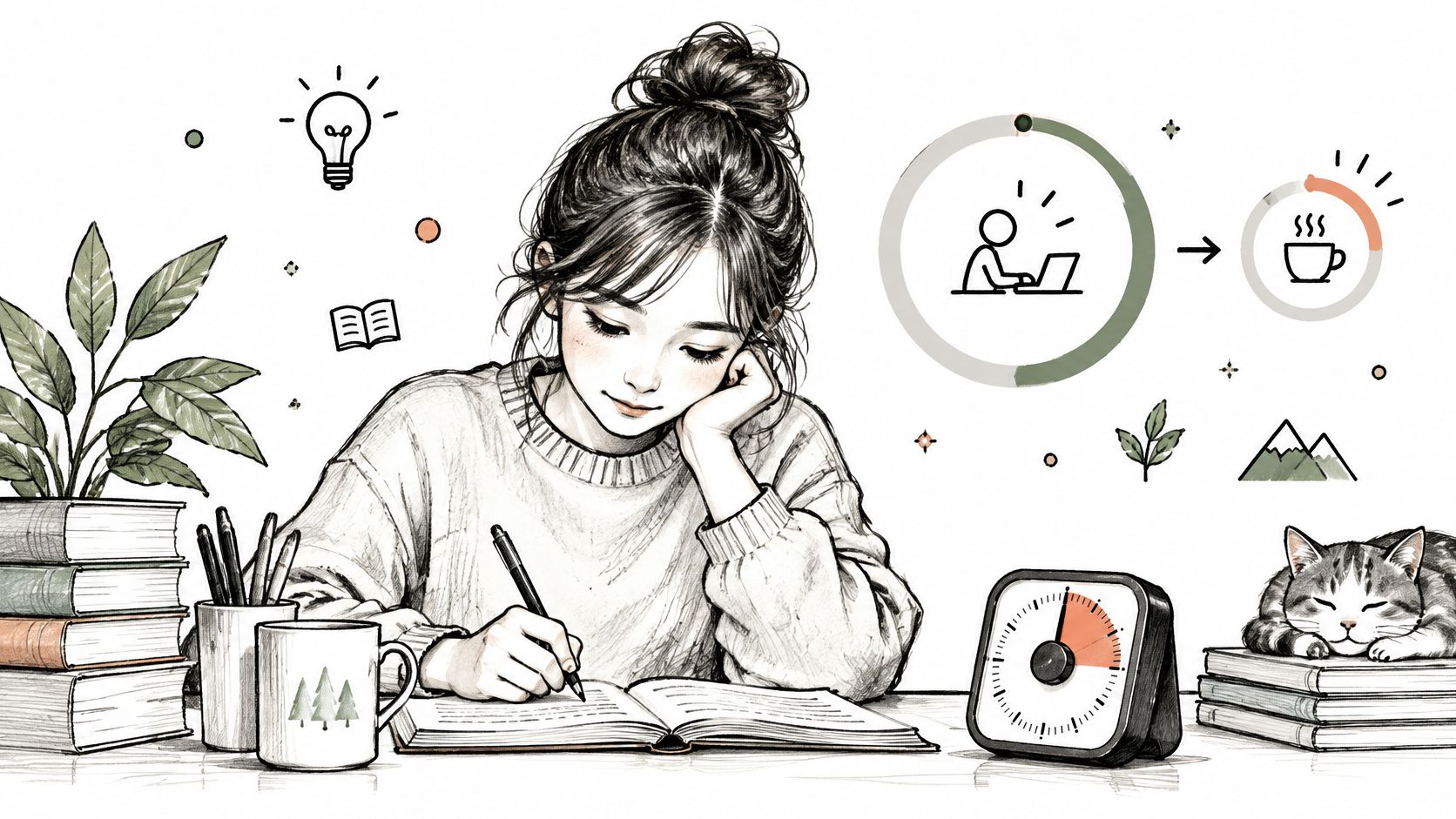
You sit down to study and immediately wonder how long you're trapped there. A timed sprint gives the session an endpoint. You're agreeing to work until the timer rings, not until you become a different person.
Try the familiar Pomodoro setup: work for 25 minutes, then take a five-minute break. After four sprints, take a longer break. Treat those timings as a starting recipe, not a test you can fail.
A student might work through practice problems during a sprint. A writer might draft a rough paragraph, then leave editing for a separate session. Choose an action narrow enough that you won't spend the whole timer deciding what counts as work.
Plan the break before it starts
Water, a stretch, or a walk to the window gives you a clear return point. Opening YouTube to find something short introduces a whole new decision tree. You know that tree. It has many branches.
Practical rule: End the sprint by writing your next action. Make returning easier than remembering where you were.
Keep your phone out of reach if you keep picking it up. If you need extra protection, an iPhone app blocker can support the sprint, but it can't choose the work for you.
Shorten the sprint if you can't face starting. If rigid alarms interrupt useful momentum, consider flexible timers that protect deep flow instead.
Your move today: Choose a task, set a comfortable timer, and decide your break in advance. Write down where to resume before you leave your desk.
4. Temptation bundling
Save your favorite audiobook for folding laundry. Call a friend while you walk. Watch your comfort show while you use a stationary bike, provided you can do that safely.
That's temptation bundling: pairing something you want with something you've been putting off. You're making the activity more pleasant, not asking yourself to suddenly love chores.
Choose a pairing that fits the task. Audio can accompany folding clothes. A dialogue-heavy show is a poor companion for reading a difficult chapter. If both activities need your full attention, separate them.
Also, don't bundle something you already enjoy just because every hobby apparently needs a productivity side hustle. Listening to music for its own sake is allowed.

Make the good part easy to reach
Prepare the pairing before the moment arrives. Download the audiobook, put your headphones beside the laundry basket, or arrange a walking call with your friend.
- Choose a compatible reward: Pick something enjoyable that won't derail the activity.
- Keep it simple: Stick with a pairing long enough to notice whether you use it.
- Remove setup friction: Have the equipment, download, or meeting point ready.
- Change what doesn't fit: If selecting a show takes longer than doing the chore, use audio instead.
For pacts like Walk more or Work out more, company can be the enjoyable part. You're catching up while doing something you wanted to make room for anyway.
You can also explore earning screen time by walking if you prefer doing the activity before the reward.
Your move today: Pair an avoided chore with something you like. Set out everything you need, then start the chore before browsing for a better reward.
5. If-then plans
Decide what you'll do before the distracting moment arrives. An if-then plan connects a recognizable situation to a specific action.
For example, after dinner, text a friend to arrange a walk. When you sit at your desk, open the chapter before opening social media. When you get stuck on a question, mark it and try the next part instead of reaching for your phone.
These plans are called implementation intentions. A meta-analysis discussed in a systematic review of procrastination treatments covered 94 studies and found an average effect size of Cohen's d = 0.65 for goal achievement compared with no intervention.
That finding concerns goal achievement broadly. It isn't a promise that writing a sentence will eliminate procrastination. Use the technique to remove a decision, then check whether your chosen cue helps you start.
Choose a cue you'll notice
After brushing your teeth is a clearer trigger than when you feel ready. Sitting down at your desk is clearer than sometime this afternoon.
Make the action equally concrete. Practicing Spanish could mean opening your lesson and working through it. Getting better at chess could mean reviewing a position you saved.
A useful plan tells you what to do when things get awkward, not just when everything goes perfectly.
Add a fallback for predictable obstacles. If your usual workspace is busy, go to the library. If you're confused by the assignment, write down the exact question you need answered.
Share the plan with your group if you want someone to check in. Ask for a reminder about the action, not a verdict on your discipline.
Your move today: Write if-then plans for the hardest parts of your day. Make the first cue something that'll happen today, and prepare the thing you'll open or use.
6. Body doubling
You don't always need more advice. Sometimes you need a friend working nearby on their own tasks.
Body doubling means working alongside another person without requiring them to help with your task. Try it at a library table, over a video call, or in a co-working room. Treat it as a practical experiment in company and structure, not a guaranteed treatment for attention difficulties.
Say you and a friend both have assignments. Join a call, say what you're starting, and agree when you'll pause. Cameras can stay off if that makes the arrangement comfortable.
Your friend doesn't need to understand your essay. They just need to show up for their own task while you show up for yours.

Set the rules before the catch-up
Agree on whether you're working silently or chatting while doing something hands-on. Studying and folding laundry need different arrangements.
- State a visible goal: Say which section you'll draft or which material you'll review.
- Agree on a pause: Give the session a clear ending so nobody feels stuck.
- Park unrelated conversation: Save the story about your chaotic group project for the break.
- Report what happened: Share what you finished and where you got stuck, without apologies.
If you keep distracting each other, change the setup. Sit farther apart, mute the call, or choose a quieter partner. You're looking for useful company, not proving that every friend makes a good study buddy.
A shared timer can help, but don't spend the session configuring a co-working dashboard. A call and an open document are enough.
Your move today: Invite someone to work alongside you for a short session. Tell them the exact action you'll start before you join.
7. Pacts with a small group
Getting started matters. Having a reason to return matters too. A pact is one simple promise you keep with a small group of people.
Sample pacts include Read more, Learn Spanish, Get better at chess, Draw, and Touch grass. Describe yours by what you'll do: read a few pages regularly, practice useful Spanish, review chess positions, sketch everyday objects, or get outside.
Choose something you want in your life. Habit maxing, hobby maxing, and life maxing can be fun labels, but you don't need to turn your free time into a performance review.
Your group's job is to make participation visible and offer company. It's not to investigate your whereabouts because you missed a drawing session.
Make returning part of the promise
Agree on a simple way to check in. Readers can share a thought about their book. People drawing can post what they made. For pacts like Touch grass, share something you noticed outdoors.
- Pick a forgiving activity: Choose something you'd still be willing to attempt on a rough day.
- Start with familiar people: Invite friends who'll encourage you without making everything competitive.
- Keep check-ins light: Share the action, not a polished highlight reel.
- Agree on the nudge: Ask whether people want a gentle poke when they haven't checked in.
Don't expect the habit to become automatic on a neat deadline. The UCL account of a real-world habit study reports that reaching near-maximum automaticity ranged from 18 to 254 days.
Keep this promise too: Missing a day means returning at the next opportunity, not designing a whole new system.
Leave room for side quests and ordinary fun. Getting good at something should include enjoying it.
Your move today: Invite a friend into a pact you'd enjoy keeping. Agree on the activity, the check-in, and what a kind reminder looks like.
How the seven strategies compare at a glance
| Item | Best for | Setup time | Needs extra tools | Works with others |
|---|---|---|---|---|
| Start stupidly small | Getting started on daunting tasks | Almost none | No | Yes, optionally |
| Time blocking your day | Planning a busy day | A few minutes each evening | Calendar app | Yes |
| Pomodoro sprints | Focusing in short work sessions | Very low | Timer or timer app | Yes |
| Temptation bundling | Making chores or exercise more appealing | Low | A favorite activity or treat | Yes, optionally |
| If-then plans | Following through on specific intentions | Quick to write | No | Yes, optionally |
| Body doubling | Staying focused alongside someone | Low | Another person; video call optional | Yes |
| Pacts with a small group | Building habits with accountability | Low | Small group; app optional | Yes |
Pick One Tiny Thing and Start Today
You don't need the perfect system. Choose the strategy that answers your immediate problem, then use it for one session today. Skip the elaborate routine when opening the assignment would be enough.
Can't begin? Shrink the first action until it's almost silly. Keep losing the work window? Give the task a calendar block. Start strong and drift at minute ten? Run a timed sprint or sit beside someone while you work.
Match the fix to the feeling. Confusion needs clarification, so ask one question before you reach for another trick. Boredom might want company or a small reward waiting at the end. Fear of doing it badly calls for permission to make a rough first pass nobody sees.
Keep the part that helped
After the session, review what happened. Did you open the file sooner? Did your planned break end where you expected? Was working beside someone useful, or did you mostly discuss dinner?
- Keep the useful setup: Leave the document ready, the shoes visible, or the next session agreed.
- Change the awkward part: Shorten the commitment, choose a clearer cue, or switch partners.
- Protect something enjoyable: Make space to read, draw, practice, walk, or touch grass.
- Return without a reset ceremony: A messy session still gives you information for the next attempt.
Blocking can back this plan up, and the replacement activity does the core work. A blocker enforces limits you choose, which buys you a pause in the scroll. What you do inside that pause decides whether the session goes anywhere.
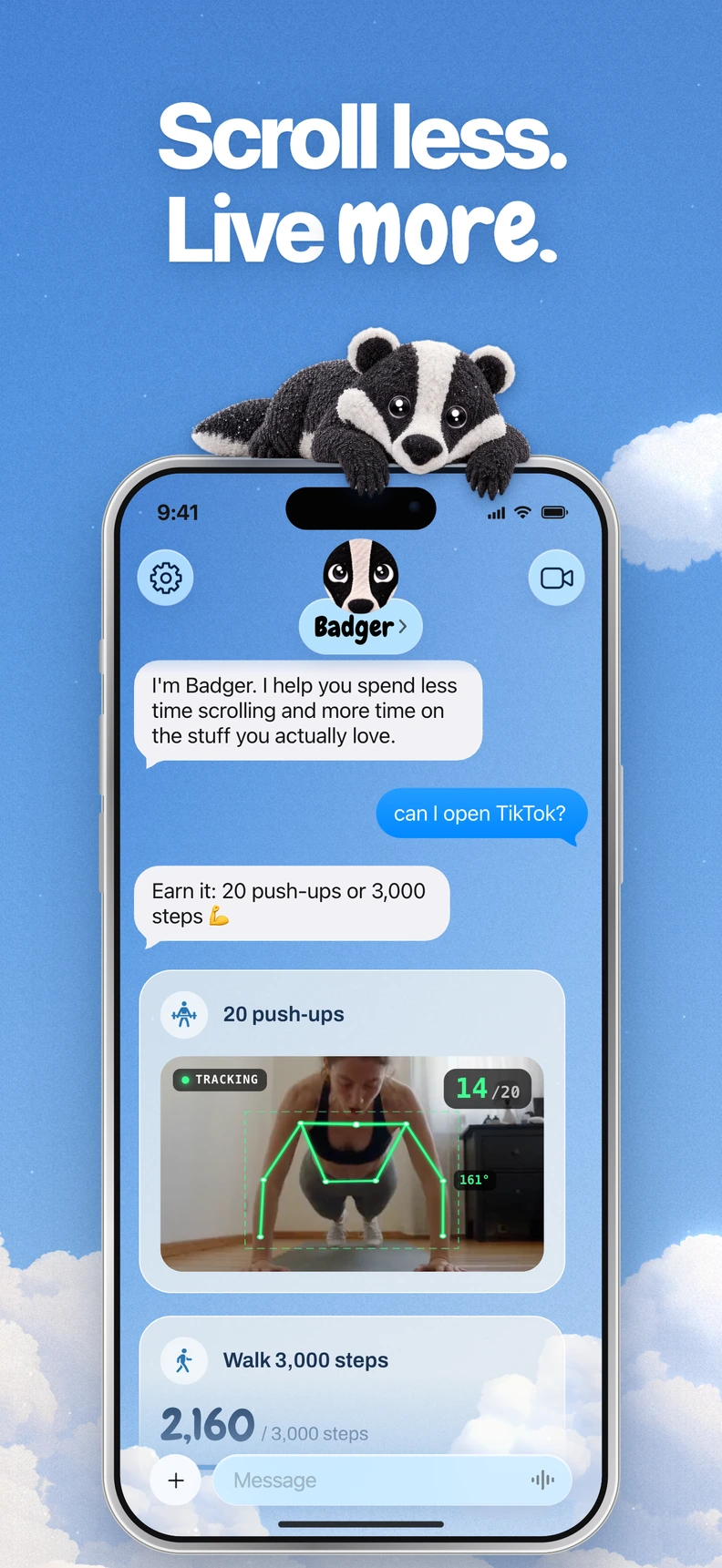
Badger works as a personal agent on iPhone. You text it your goals, it learns when to step in based on your actual app use, and it brings up a pact to do instead, one simple promise kept alongside a small group. It adapts to how strict you need it to be: firm when you want it firm, lighter when strict would make you quit. Blocking runs through Apple's Screen Time once you authorize it, and Badger doesn't guarantee a particular screen-time, fitness, or productivity outcome.
Pick one thing you'd rather be doing than scrolling. Make the first step small enough to try today.
Badger offers a personal agent and small-group pacts to help you move from scrolling to reading, walking, or practicing something you care about. Visit Badger to download it on the App Store and start with a promise you want to keep.
Questions or corrections? Use Badger Support. More on the Badger blog.