 badger

How-to guides
Step-by-step help: set up a block, earn your apps back, fix what isn't working.

 Guide
How to Block Apps on iPhone: Screen Time and Badger
Learn how to block apps on your iPhone: use Apple Screen Time or Badger, with clear setup steps for iOS 26 and iOS 27 plus troubleshooting tips.
 Guide
Earn Screen Time by Walking: How to Set It Up with Badger
Set up Badger to earn time in distracting iPhone apps by walking. Compare a live walk with an Apple Health daily goal, plus setup steps and alternatives.
 Guide
App Blocker Not Working on iPhone? Fixes to Check First
A step-by-step checklist for a Badger block or unlock that doesn't happen on your iPhone, covering Screen Time, app groups, plans, and support reports.
Where to start
Most people looking for an app blocker have something concrete in mind. They want to block an app on their iPhone, compare blockers, earn screen time by walking, or fix a blocker that isn't working.
Start with how to block apps on iPhone for setup instructions. If you're still figuring out which app blocker you should go for, compare different app blockers and read the guide to AI app blockers.
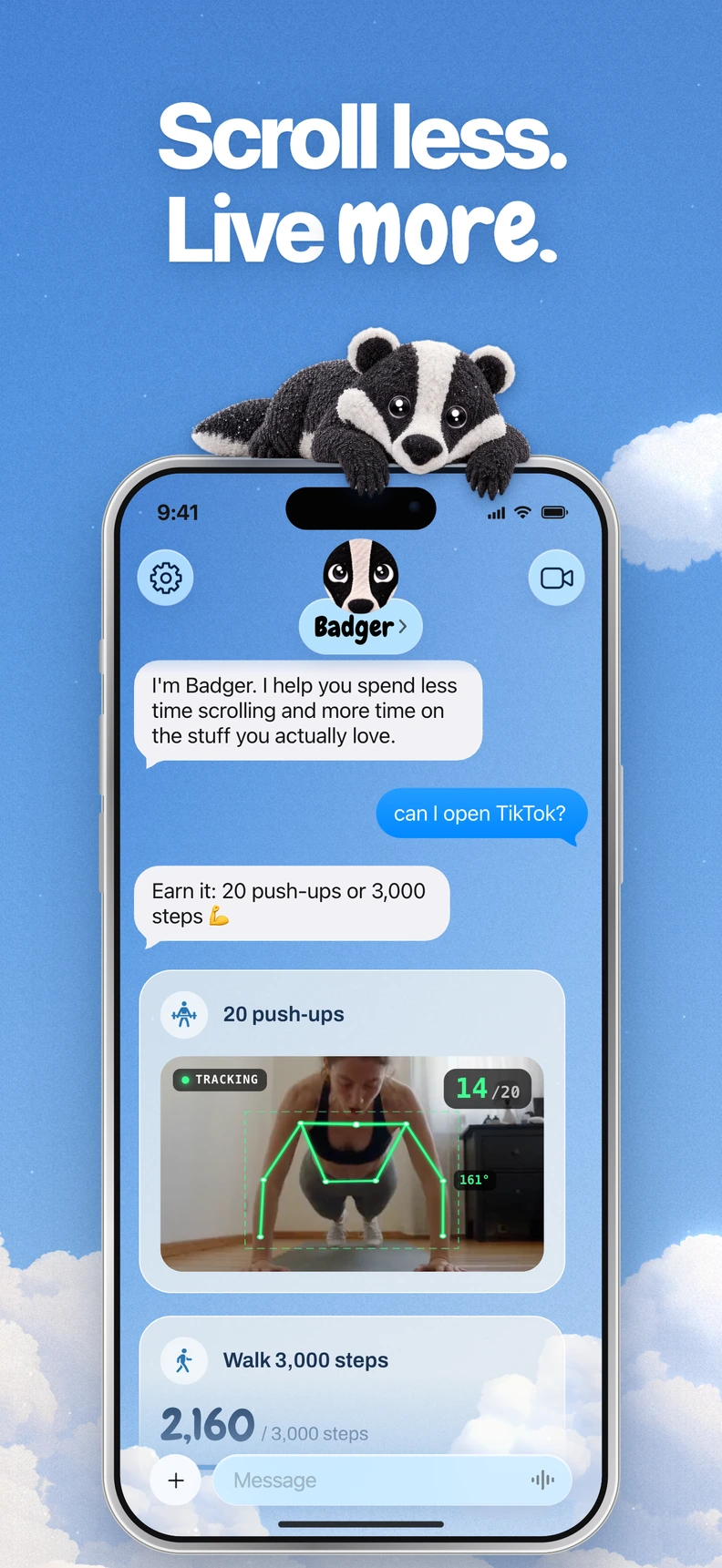
There are approaches out there that differ in how they deal with the timing and context of your app use. The same app can be part of focused work, a deliberate break, or an unwanted late-night scroll. Badger is a personal AI agent focused on one thing: helping you live a more meaningful life. You can text it about what matters to you. It can make a plan, block distracting apps, and help you follow through.
If you're interested in earning screen time while you're on a walk, check out the guide to earning screen time by walking. If your app blocker is not doing what you want it to, check out the guide to fixing an app blocker that isn't working. Pick the guide that matches your situation and start there.
Make room for what matters.
Badger: Your Willpower Agent is available on the App Store.